Voice AIRead Article
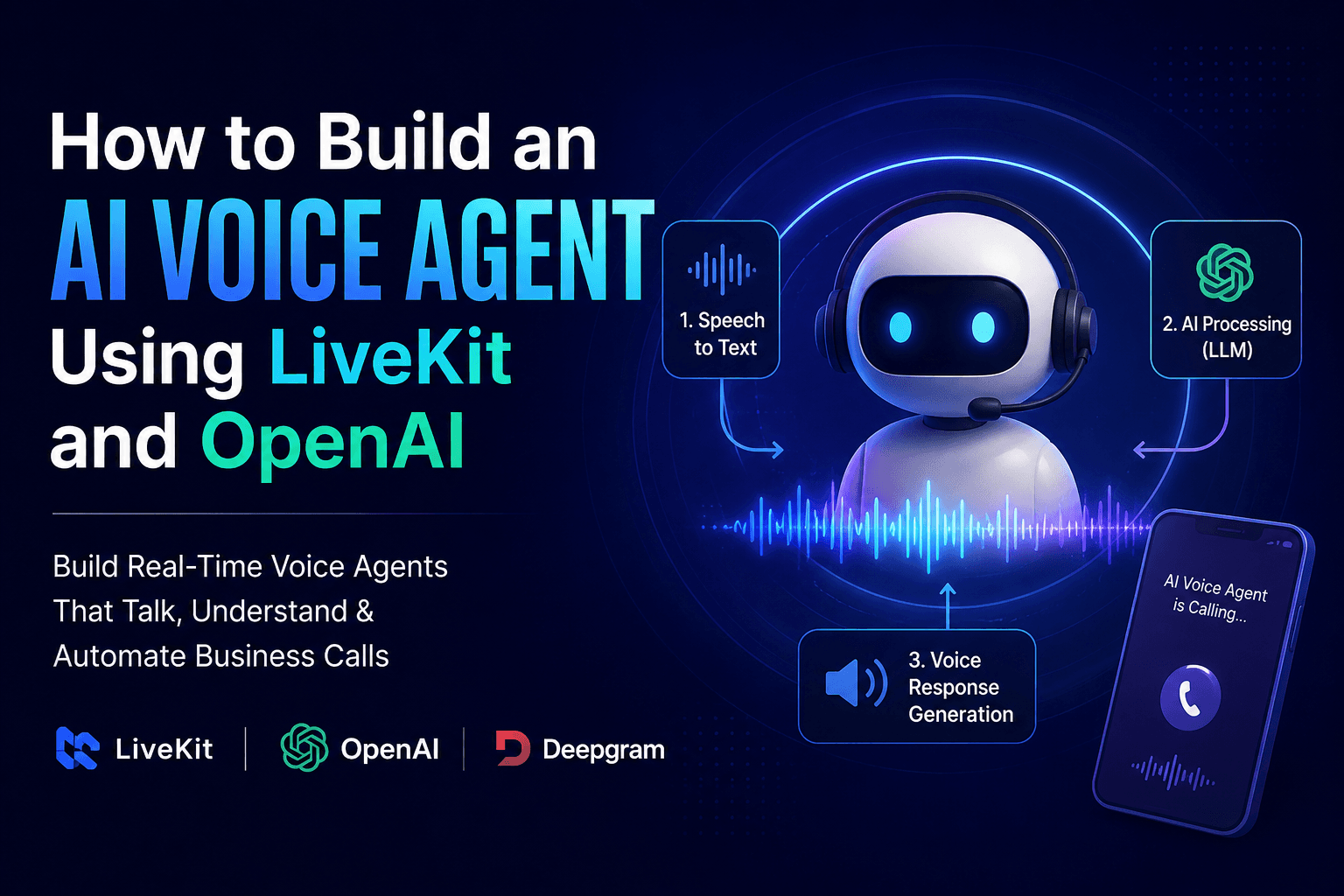
How to Build an AI Voice Agent Using LiveKit and OpenAI
Learn how AI voice agents automate business calls using modern AI tools.
July 2, 2026
8 min read
A practical look at how AI receptionists work, where they genuinely outperform humans, where they don't, and how to deploy one without breaking the guest or customer experience.
Written by
Akash Maurya
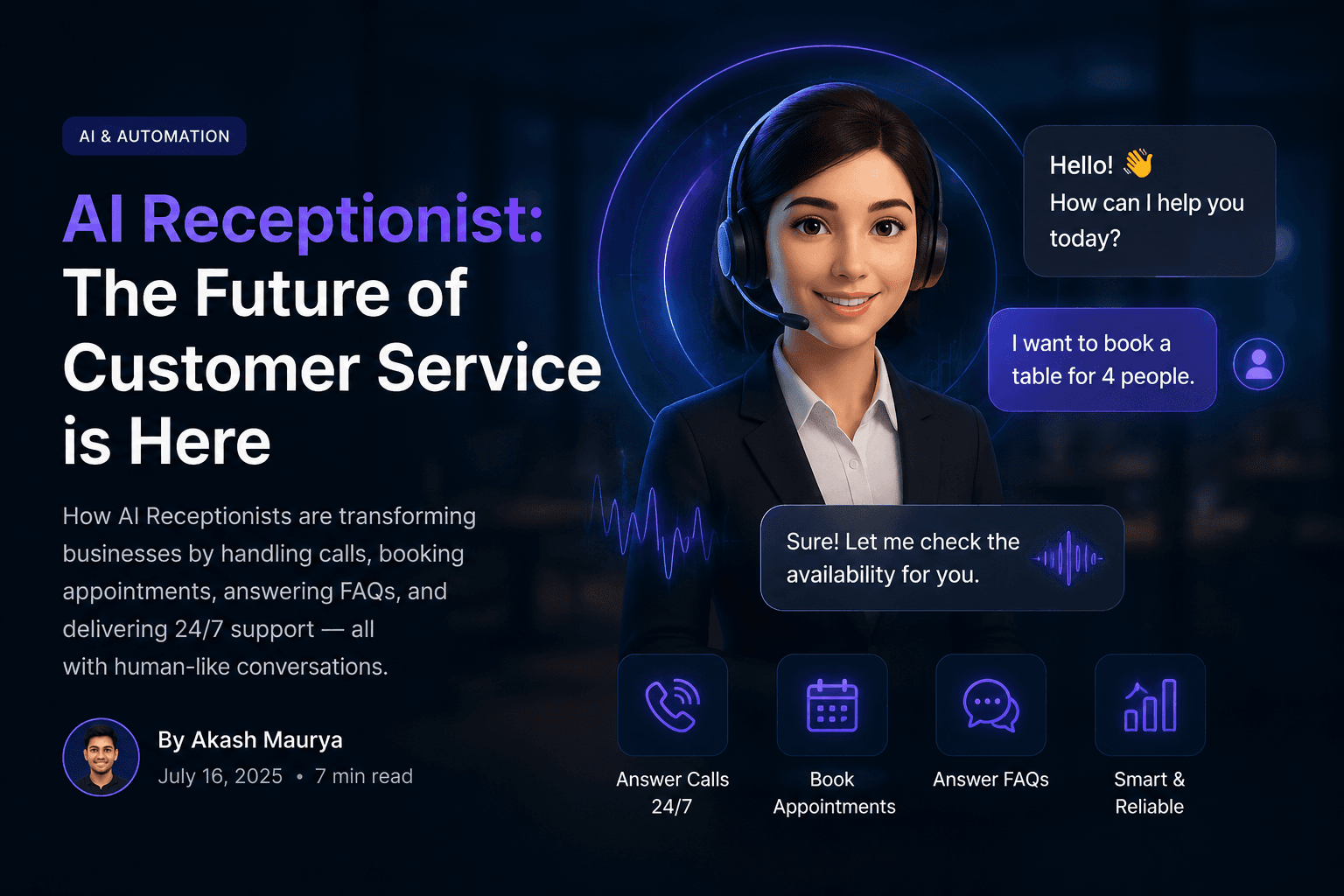
'AI receptionist' has become a catch-all marketing term for anything from a glorified voicemail-to-text tool to a fully agentic system that books meetings, verifies visitors, and routes calls with real judgment. I want to draw a clear line between those, because the gap in what they can actually do is enormous, and most of the disappointment I see from teams that 'tried AI receptionists and it didn't work' comes from buying the wrong tier of product for their actual need.
This guide covers what an AI receptionist actually is, how it differs from an IVR or a simple chatbot, the architecture behind a real deployment, honest cost numbers, and the specific situations where a human still needs to be in the loop.
These three get lumped together constantly, and the confusion causes real buying mistakes. An IVR ('press 1 for billing') is rule-based and can't understand free speech. A chatbot handles text, usually on a website, and most versions still can't hold a real multi-turn conversation with memory of what was said three exchanges ago. An AI receptionist, done properly, is a voice-first conversational agent that understands natural language, maintains context across the whole call, takes real actions (book, transfer, look up), and adapts its questions based on what the caller actually says rather than a fixed script.
| Capability | IVR | Chatbot | AI Receptionist |
|---|---|---|---|
| Understands free speech | No | Text only | Yes |
| Books meetings/appointments | No | Sometimes | Yes |
| Handles interruptions naturally | No | N/A | Yes |
| Escalates with full context | Rarely | Rarely | Yes |
| Works over a phone call | Yes | No | Yes |
The pipeline is the same real-time voice architecture behind any production voice agent: telephony ingress, speech-to-text, an LLM-driven reasoning layer with defined tools, text-to-speech, and a media transport layer holding it all together with low latency. What differentiates a good receptionist deployment from a mediocre one is almost entirely in the tool-calling layer and the routing logic, not the underlying models.
Instead of a menu tree, the LLM classifies caller intent from natural speech ('I need to reschedule my dentist appointment' → route to scheduling tool, not sales) and routes accordingly. This is the core capability that makes an AI receptionist feel less robotic than an IVR.
Real deployments connect directly to Google Calendar, Outlook, or a CRM's scheduling API so the AI is checking live availability, not a stale copy. This is also where most botched deployments fail — teams wire up a demo calendar and never connect production data.
For physical office reception, the AI receptionist often pairs with a lobby kiosk or tablet: it checks the visitor against an expected-guest list, notifies the host via Slack or SMS, and prints a badge — while the phone-based version handles the simultaneous inbound call volume.
For a typical small business receiving 500-1,500 minutes of reception calls a month, expect a realistic monthly range depending on build approach.
| Deployment Type | Setup Cost | Monthly Running Cost |
|---|---|---|
| Managed platform (Vapi/Bland/Retell) | $0–500 (config only) | $75–200 at 1,000 min/mo |
| Custom LiveKit build | $3,000–12,000 one-time | $100–180 at 1,000 min/mo |
| Enterprise multi-location deployment | $15,000+ | Scales with volume, often $0.05–0.10/min effective |
Pro Tip
The setup cost difference matters more than the monthly running cost for most small businesses. Unless you need deep custom CRM logic, a managed platform gets you live in days rather than weeks, at a monthly cost close enough to a custom build that the engineering time isn't worth it below a few thousand minutes a month.
It can be, but only on platforms that explicitly offer a HIPAA BAA (e.g., LiveKit Scale tier, Twilio with a signed BAA). Verify this before touching any patient data — it is not automatic on every plan.
Yes. Modern STT/TTS stacks support automatic language detection and can switch voices or scripts based on the caller's language, though quality varies by provider — test with real regional accents before launch.
For call volume and routine scheduling, mostly yes. For complex visitor situations, VIP handling, or anything requiring judgment and empathy, no — the best deployments pair AI with a smaller human team for escalations.
A managed-platform deployment for a single office typically takes 3-10 business days including integration testing.
Front desks and reception lines are expensive to staff for coverage that's rarely fully utilized — a receptionist is either idle between calls and visitors, or overwhelmed during predictable peak windows (Monday morning, lunch return, end of day). Small and mid-size businesses often can't justify a full-time receptionist at all, so calls go to voicemail, and voicemail has one of the worst callback rates of any business communication channel — most callers who hit voicemail simply call a competitor instead.
An AI receptionist answers every call and greets every visitor interaction (via phone, and increasingly via a lobby kiosk or SMS channel) instantly, routes calls intelligently based on intent rather than a rigid menu tree, schedules meetings directly into calendars, verifies visitors against an expected-guest list, and hands off to a real person the moment a conversation needs judgment, empathy, or authority the AI doesn't have.
Written by Akash Maurya.
Published on July 15, 2026 • Updated on July 15, 2026
Learn how AI voice agents automate business calls using modern AI tools.
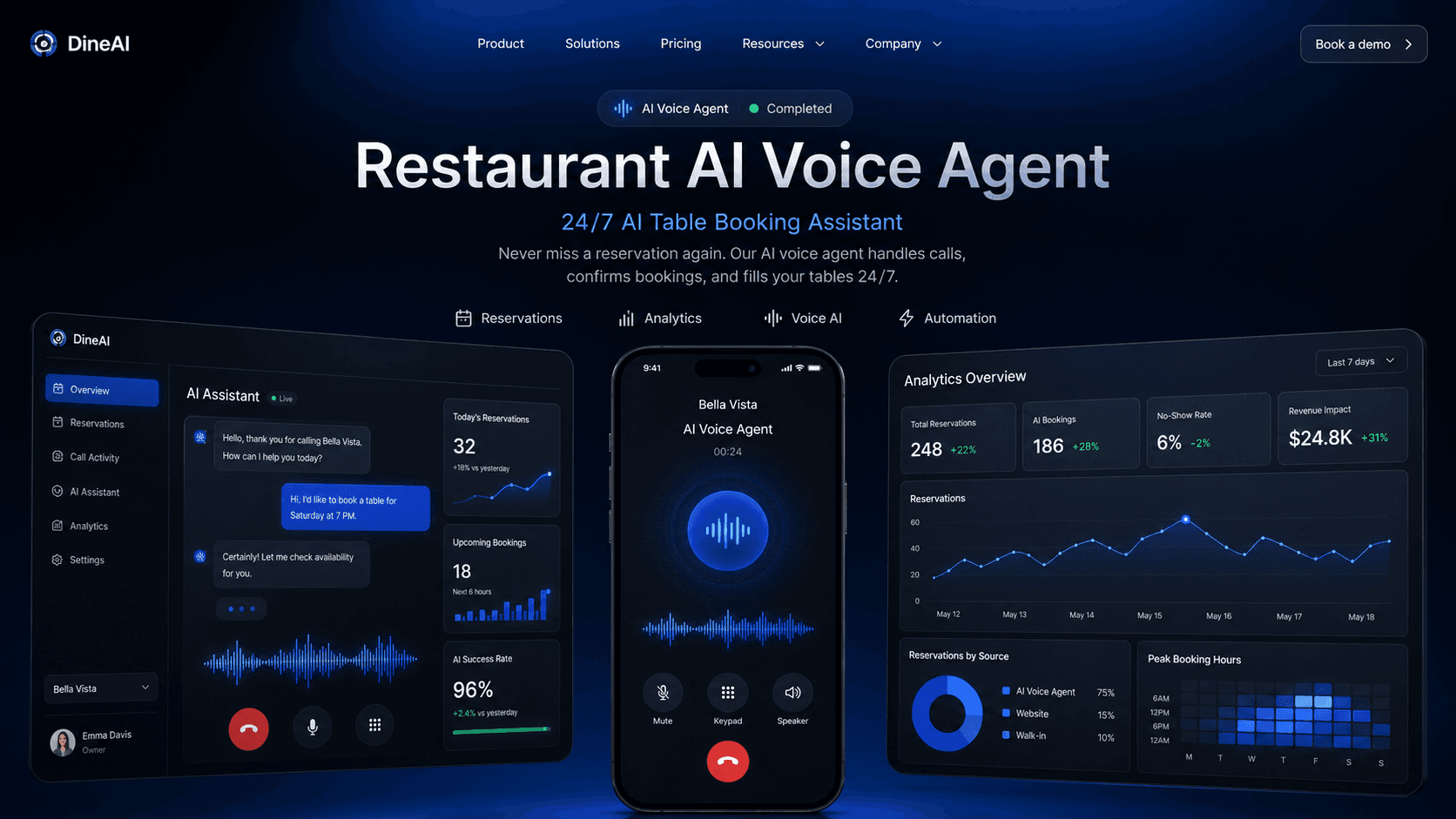
A senior engineer's field guide to deploying AI phone agents that take reservations, answer menu questions, and stop restaurants from losing money on missed calls.
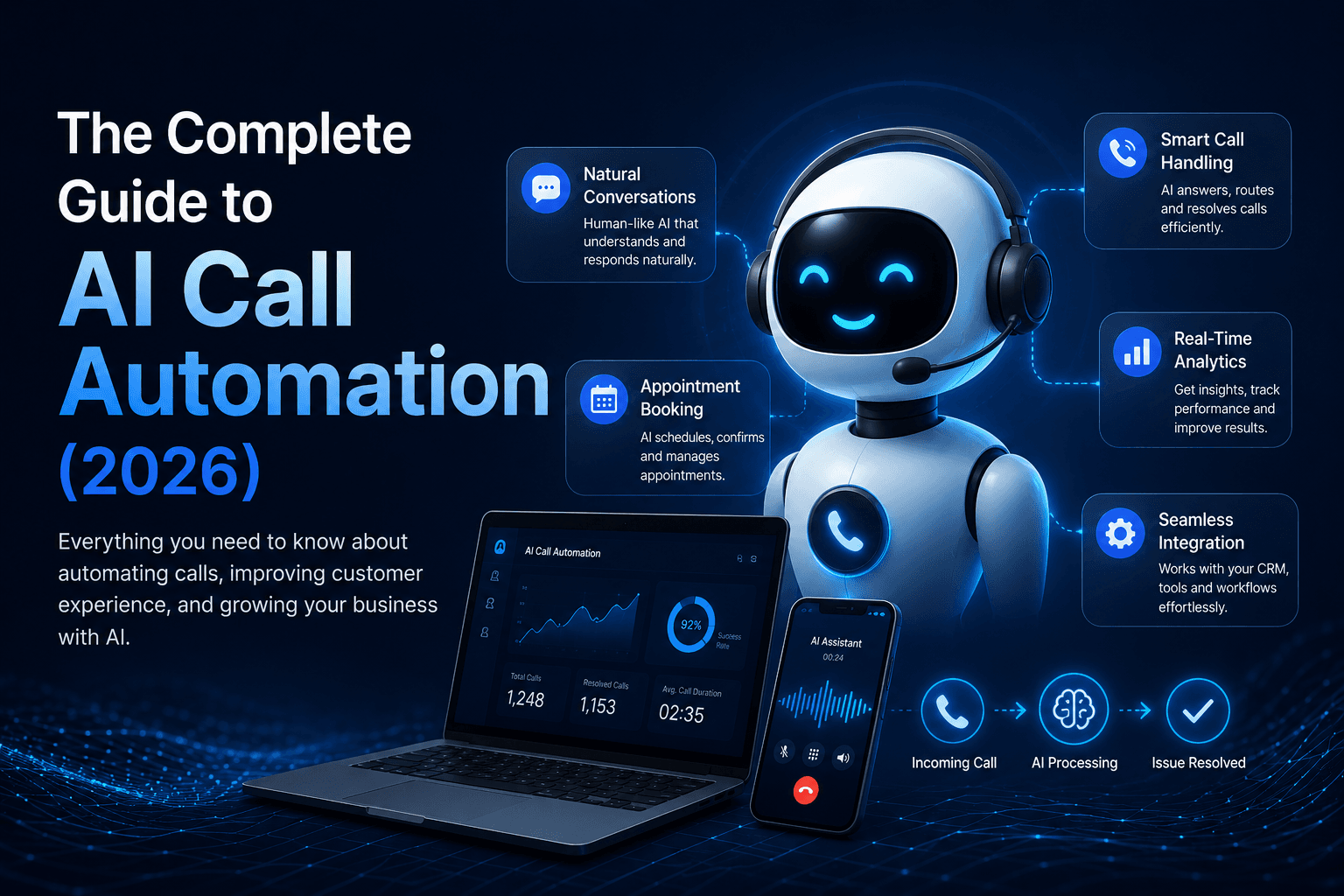
Everything a business needs to know before automating inbound or outbound calls with AI — architecture, platform choices, cost modeling, compliance, and what actually breaks in production.
I build modern AI Voice Agents, SaaS platforms, automation systems, and full-stack applications that help businesses automate operations and improve customer experiences.